Testimonialols

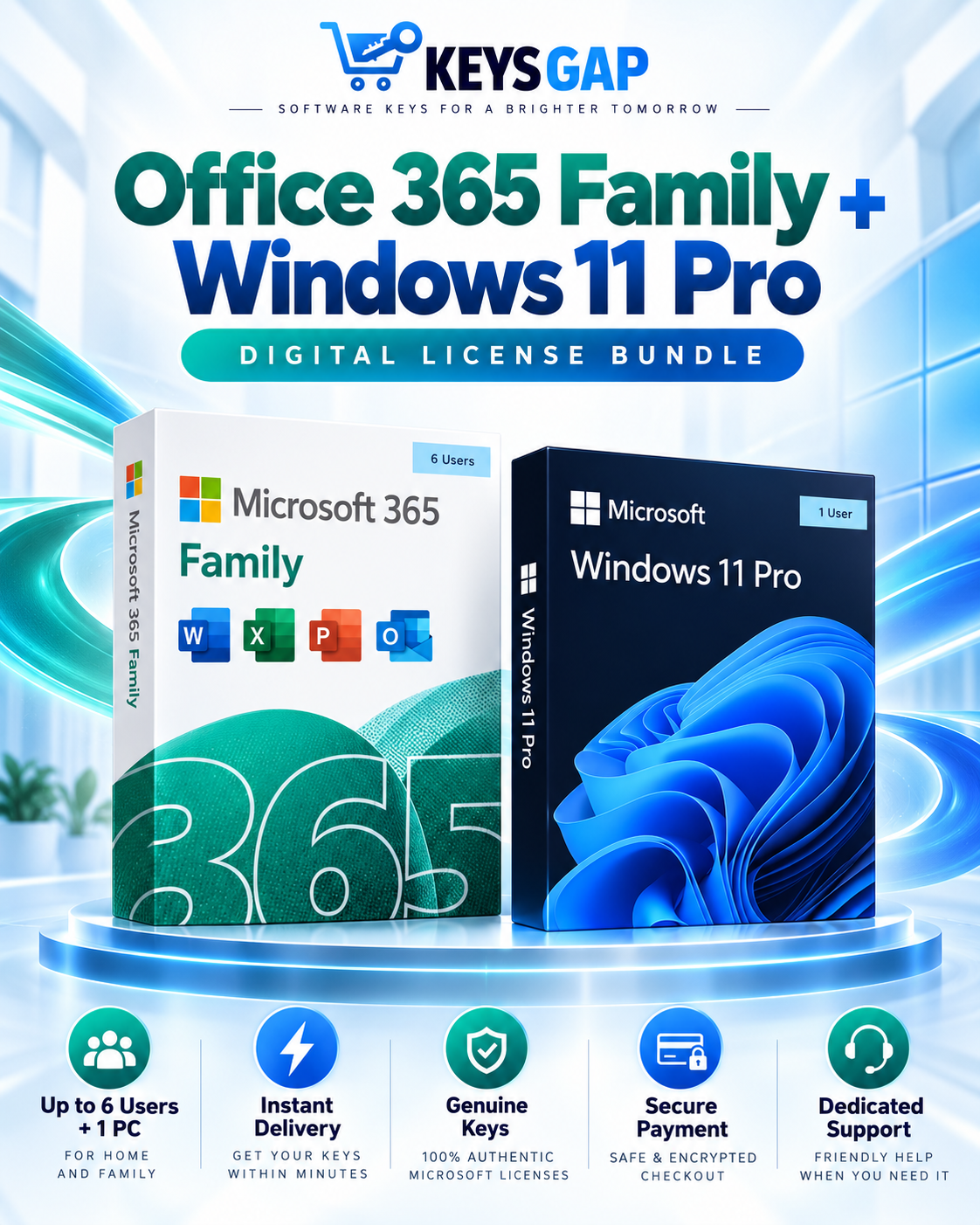
Office 365 Family + Windows 11 Pro Bundle

Details:

In Stock - Limited stock available
$239.99 $109.99 SAVE 90%
Instant download
100% money-back
24/7 support

Secure payment:

Stay connected and productive with the Office 365 Family and Windows 11 Pro Bundle. Ideal for families, students, professionals, and home users, this package combines powerful Office applications, cloud storage features, and the enhanced performance and security of Windows 11 Pro.


Microsoft 365 Family

Processor: 1.1 GHz or faster, dual-core processor
RAM: 4 GB or more
Storage: 4 GB available disk space
Graphics Card: DirectX 9 or later with WDDM 1.3 driver
Display: 1280 × 768 resolution or higher
Operating System: Windows 10 or Windows 11
Internet: Required for activation and updates

Note: An active Microsoft 365 Family subscription is required to use premium Office apps, cloud storage, and sharing features.

Windows 11 Pro

Processor: 1 GHz or faster with at least 2 cores on a compatible 64-bit processor or system on a chip (SoC)
RAM: 4 GB or more
Storage: 64 GB or larger storage device
Graphics Card: DirectX 12 compatible graphics with WDDM 2.0 driver
Display: High-definition (720p) display that is greater than 9 inches diagonally, 8 bits per color channel
System Firmware: UEFI, Secure Boot capable
TPM: Trusted Platform Module (TPM) version 2.0
Internet: Internet connection and Microsoft account required for setup and updates.

Microsoft 365 Family

1. Sign In to Your Microsoft Account

Visit the Microsoft Office setup page and sign in with your Microsoft account. Create one if you don’t already have an account.

2. Redeem Your Product Key

Enter your 25-character product key and select your country or region if prompted.

3. Activate Your Subscription
After redeeming the key, your Microsoft 365 Family subscription will be added to your Microsoft account.

4. Download and Install Microsoft 365
Follow the on-screen instructions to download and install Microsoft 365 apps, including Word, Excel, PowerPoint, Outlook, and OneNote.


5. Launch an Office App and Sign In

Open any Office application and sign in using the same Microsoft account used to redeem your subscription. Your Microsoft 365 Family subscription will be automatically activated.Office

Download Link:


https://setup.office.com

Note: Microsoft 365 Family can be shared with up to 6 users, with each person receiving their own Microsoft account sign-in, cloud storage, and app access.


Windows 11 Pro

1. Open Settings & Check Updates

Click the Windows logo → open Settings → go to Windows Update and click Check for updates. Install any available updates.

2. Go to Activation Settings

In Settings, navigate to System → Activation.

3. Enter Your Product Key

Click Change Product Key, enter your Windows 11 Pro product key, and select Next.

4. Complete Activation

Follow the prompts to finish activation. Once done, your Windows will be successfully activated.Windows 11

Download Link:


https://www.microsoft.com/software-download/windows11

SIMPLE SOFTWARE ACTIVATION

How Keys Gap Works

From choosing your software to activation, get started in four simple steps.

Digital Delivery
Keys Gap Your software order
Delivered
Office 2024 Professional Plus Example digital license
YOUR ACTIVATION KEY XXXXX-XXXXX-XXXXX-XXXXX-XXXXX
View Activation Guide   →
Easy Setup Instructions Keys Gap · Digital Software
STEP 01

Choose Your Software

Find the software license that fits your needs and select your preferred product.

STEP 02

Complete Your Purchase

Place your order through our secure checkout using an available payment method.

STEP 03

Receive Your License

Receive your software activation key and order details by email, along with setup instructions.

STEP 04

Install & Activate

Follow the installation guide, enter your activation key, and start using your software.

Digital Software Delivery
Secure Checkout
Activation Support
HOW WE COMPARE

Why Buy from KeysGap

What every order includes — and what other sellers often skip.

What matters
KeysGap
Others

Authentic software licenses

Software keys sourced for supported products and activation.

Fast digital delivery

Your order details are delivered digitally after purchase.

Helpful customer support

Assistance available before and after your purchase.

Clear refund policy

Straightforward refund terms with clear eligibility requirements.

Transparent pricing

See product pricing clearly before you complete your order.

Secure checkout

Payments handled through a secure checkout experience.

Testimonial

What they say

WHY KEYSGAP

Buy with total confidence.

Everything below comes standard with every KeysGap order.

Instant digital delivery

Receive your order details quickly by email after purchase.

Trusted software products

Clear product information and activation details for the software you order.

Secure checkout

Complete your order through a secure and straightforward checkout process.

Helpful customer support

Get assistance with your order, setup, and activation when you need it.

Good to know

Frequently asked questions

How do we keep our prices so low?

Two reasons. First, we buy at volume directly from authorised channels, which earns us wholesale discounts we pass straight on to you. Second, everything is delivered digitally — no boxes, no postage, no warehouse costs. That’s how we sell the exact same official product key for far less than the retail price, without cutting any corners on authenticity.

Are our codes / keys real?

Absolutely — every code is 100% authentic and sourced from authorised distributors. Your key activates directly with the official vendor (Microsoft, Norton, and others), exactly like one bought in-store. And if a key ever fails to activate, we’ll replace it or refund you, no questions asked.

How long does it take to get my order?

Most orders land in your inbox within a few minutes of payment, any time of day. Occasionally an order is flagged for a quick security check to protect against fraud — if that happens, we may ask you to confirm a detail, which adds a short delay. If your order takes longer than expected, just reach out and we’ll sort it fast.

Do we ship by post?

For software keys, there’s nothing to post — your code is delivered digitally by email, worldwide, so there’s no waiting on the mail. Physical hardware orders are the only exception: those are shipped within the USA.

How can I download / view my code / key?

Your key and download link are emailed to you within 5 minutes of purchase — usually much sooner. You can also find it any time in your account under your order history. If you don’t see the email, check your spam folder, and remember each order comes with a download link plus a step-by-step activation guide.

Are there subscription fees for your product keys?

None. Our Windows and Office keys are a one-time purchase — you activate once, own the product key for good, and never pay a monthly or annual fee. The only products with a term are genuine subscriptions like Microsoft 365, which are always clearly labelled with their duration on the product page.

Can I redeem / activate my product key later?

Yes — the key itself doesn’t expire, so you can hold on to it and activate whenever you’re ready. That said, we recommend activating fairly soon so you can confirm everything works while you’re still within our money-back window.

I don't know how to activate my product key!

No problem — our Help Center has detailed, step-by-step tutorials for every product, with screenshots to guide you through each stage. If anything still isn’t working, our support team is on hand 24/7 and will happily walk you through it.

logo_florazo (2)

Your Software. Your Security. Your Keys.

Payment-Icon.png

Newsletter

Subscribe to our newsletter for new products, trends and offers.
Copyright © 2026 Keys Gap, All rights reserved. Powered by Microsoft.